
You attach a RAW file, hit send, and the reply comes back: "can you resend this as JPEG?" It happens with print shops, CMS uploads and government portals alike. Here is the clean way to convert, what it does to your file, and the numbers to expect.
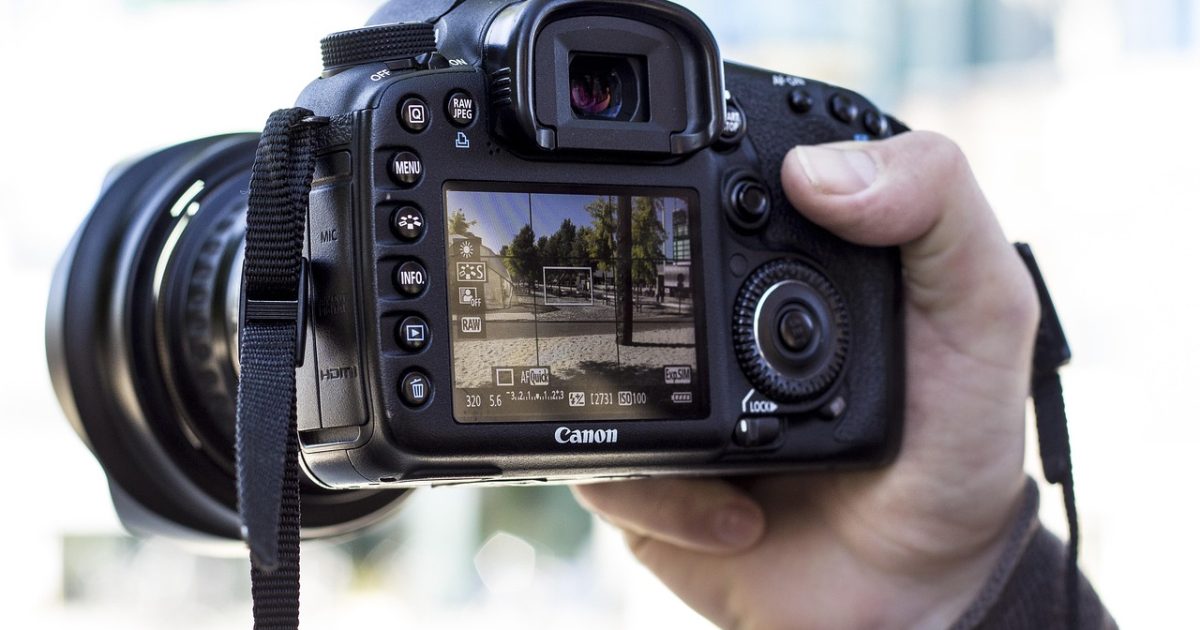
RAW vs JPEG at a glance
| Format | Compression | Transparency | Animation | Support (2026) |
|---|---|---|---|---|
| RAW | Uncompressed | No | No | Lightroom, Capture One and editing software — never browsers |
| JPEG | Lossy | No | No | every browser and device made in the last 25 years |
Read the support column first; in most conversions that row alone is the entire motivation.
When JPEG beats RAW
RAW (Camera Raw Image) is a uncompressed format made for professional photography, photo editing, maximum quality capture. Its weak spots — huge file sizes, requires processing software, not shareable directly — are exactly where JPEG steps in.
JPEG (Joint Photographic Experts Group) handles photographs, social media, web images, and in 2026 its support looks like this: every browser and device made in the last 25 years. On size, the practical picture: a 12-megapixel photo lands around 3-4 MB at quality 85.
Typical triggers: an upload form that rejects RAW, a teammate on different software, or a page-speed audit flagging your images.
The 60-second conversion
Open the JPEG converter and drop your RAW file onto the upload area. Multi-select works, so a whole folder of files goes in at once — useful when a shoot or an export produced dozens of them.
Start the conversion and watch the size readout: the page shows the output weight before you commit to downloading. That single number answers most of the questions people bring to guides like this one.
Single files download directly; batches come back as one ZIP, which keeps a 50-file job tidy instead of raining downloads on your browser.
If a file fails — it happens with corrupted exports — re-saving it once from any viewer and retrying usually clears it. Genuinely broken files fail everywhere, including in Photoshop.
Three checks before you start
Keep the original. Conversions into lossy formats are one-way; the RAW you started from is your archive copy, so it never gets deleted or overwritten.
Check the destination's rules. If a platform or print shop asked for JPEG, it often also has size or resolution limits — knowing them now saves a second round trip.
Group the batch. Converting fifty files in one upload beats fifty single conversions, and the ZIP you get back keeps the set together with its filenames intact.
Will the image look worse?
RAW uses uncompressed compression; JPEG uses lossy. Going from lossless to lossy means some pixel data is discarded — usually invisible at sensible quality settings, but it is a one-way door, so keep the original.
For scale: 20-60 MB per shot on a modern mirrorless camera. After conversion to JPEG, expect the relationship to shift — a 12-megapixel photo lands around 3-4 MB at quality 85.
Canva and Adobe Express can export JPEG too, but both push you through an editor first — fine for one file, slow for forty.
One settings rule covers 90% of cases: keep images destined for screens at standard quality, and only reach for maximum-quality output when the file is headed to print or further editing.
When fifty files become five hundred
Past a certain volume the bottleneck moves from conversion speed to organization. Name files before converting, not after — the converter preserves names, so a clean naming scheme going in is a clean archive coming out.
Teams that hit this weekly keep two folders per project: masters in RAW, delivery in JPEG, regenerated from masters whenever specs change.
Where JPEG files behave oddly
Messaging apps and social platforms recompress whatever you send — WhatsApp and most social feeds will re-encode your carefully converted JPEG anyway, so don't chase perfection for those destinations. Email clients are stricter: attachments survive untouched, which makes format choice matter more there.
CMS uploaders are the third trap: many enforce size limits or a format whitelist. If an upload bounces, the platform's allowed-formats list — not your file — is usually the explanation.
Thirty seconds of compression theory
Uncompressed storage writes every pixel verbatim. Maximum fidelity and maximum disk usage travel together, which is why these files live in working pipelines and rarely on the public web.
Lossy compression throws away detail the eye is bad at noticing — fine texture, subtle color steps — and keeps what perception cares about. That is how a photo drops 80% of its weight while looking identical at arm's length; it is also why each re-save discards a little more.
Every recommendation here is downstream of those mechanics — formats do not have personalities, only algorithms.
The Core Web Vitals angle
Images are usually the heaviest asset class on a page, so format choice flows straight into Largest Contentful Paint — the Core Web Vitals metric Google weighs for ranking. Lighter images, earlier paint, better scores: the chain is that direct.
The compounding is what surprises people: 200 KB saved per image across a forty-image page is eight megabytes a visitor never downloads.
Measure before and after with PageSpeed Insights — the image-weight line item makes the improvement concrete instead of theoretical.
The metadata question nobody asks
Every photo from a camera or phone carries hidden baggage: capture date, device model, exposure settings and — on phones — often GPS coordinates. Conversion is one of the moments where that baggage can be kept or dropped.
For files headed to the public web, dropped metadata is a privacy feature: nobody needs your home coordinates embedded in a product photo.
The practical rule: treat the original as the metadata archive and the converted copy as the public version. That division of labour answers most privacy and copyright questions before they come up.
Three pitfalls to skip
Don't upscale before converting — extra pixels invent nothing and inflate the file. Don't convert a screenshot with text into a heavily lossy format if crisp edges matter. And keep the RAW originals archived; storage is cheaper than regret.
None of these ruin a file instantly — they compound across a library, which is why they go unnoticed until the damage is wholesale.
When something looks wrong
Colors shifted. Wide-gamut originals viewed in sRGB-only software look washed out. The fix is converting from an sRGB copy for web use — not a higher quality setting.
The file will not open. Nine times out of ten the viewer is the limitation, not the file. Try a second viewer before blaming the conversion, or convert to JPEG — if that copy opens, the original was fine all along.
Transparent areas turned white. The target format has no alpha channel; flattening is the documented behaviour, not a bug. Re-convert to PNG or WebP if transparency must survive.
The file got bigger. Some content genuinely compresses worse in the new format — flat graphics in photo-oriented codecs, photos in graphics-oriented ones. The size readout before download is the early warning.
A worked example, with numbers
Take a typical case: 20-60 MB per shot on a modern mirrorless camera. Convert that to JPEG and the format's profile takes over: a 12-megapixel photo lands around 3-4 MB at quality 85. The percentages vary with image content — flat-color graphics and detailed photos compress very differently — so trust the size readout on your own files over any blog's average.
Where JPEG files go next
Once your files are JPEG, they slot into workflows RAW could not reach: photographs, social media, web images. If you handle this pair often, the RAW vs JPEG comparison covers the deeper trade-offs.
Quick Answers
Does converting RAW to JPEG reduce quality?
Only if JPEG is lossy, and even then a single conversion at default settings is rarely visible. The damage people associate with conversion comes from re-saving lossy files over and over, not from one clean pass. Keep the original RAW and you can always go back.
Can I convert several RAW files at once?
Yes — drop the whole selection into the JPEG converter and you get the results back as one ZIP. Batch jobs of 30-50 files are routine; the per-file time stays in the seconds.
Why does my JPEG file open differently on Windows and Mac?
Support differs by platform: every browser and device made in the last 25 years. If a recipient cannot open the file, that mismatch is usually the cause — convert to a more universal format like JPEG or PNG for sharing.
Is the converted file bigger or smaller than the RAW?
It depends on content, but the baselines are: 20-60 MB per shot on a modern mirrorless camera, while for JPEG: a 12-megapixel photo lands around 3-4 MB at quality 85. Flat graphics and photographs sit at opposite ends of every compression curve, so check the size shown before downloading.
Do I need Photoshop for this?
No. Photoshop, Canva and Adobe Express can all export JPEG, but for a pure format change a browser converter does the identical job without the subscription or the wait.
What happens to transparency when I convert?
Transparency survives when both formats support an alpha channel; here the relevant fact is that JPEG does not, so transparent pixels get flattened.
Next step: open the JPEG converter, feed it one real RAW from your project, and judge the size readout with your own eyes. That number settles the debate faster than any guide.
Written by Giovanni Picaro, a web developer who has been building image tools and optimizing sites since 2019. Sources: MDN image format reference and Google web.dev. Last reviewed: 2026.